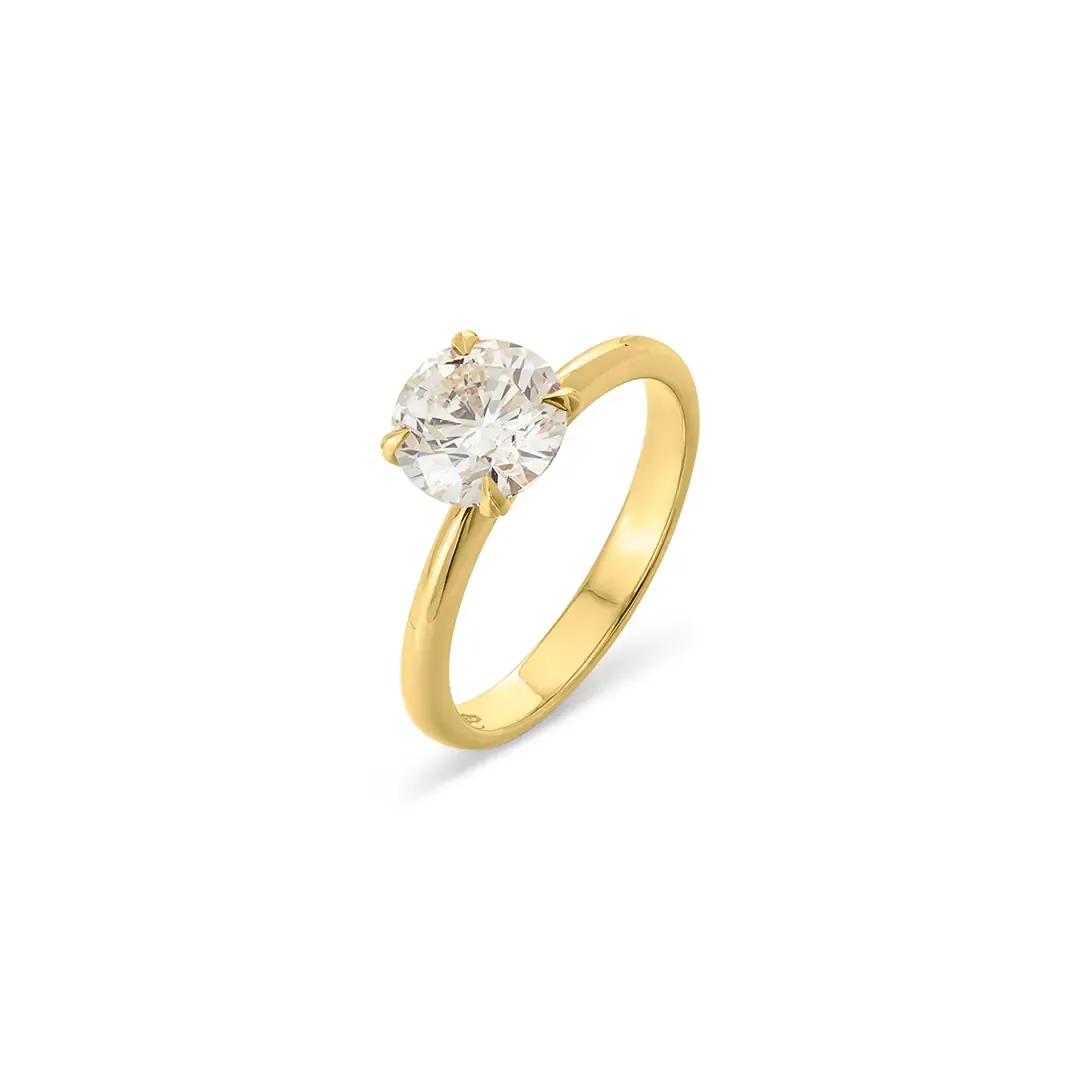
Full Depth of Field Clarity
We blend shots taken at different focus points into one sharp image. Every part of the product stays in focus, from front to back.
Service overview
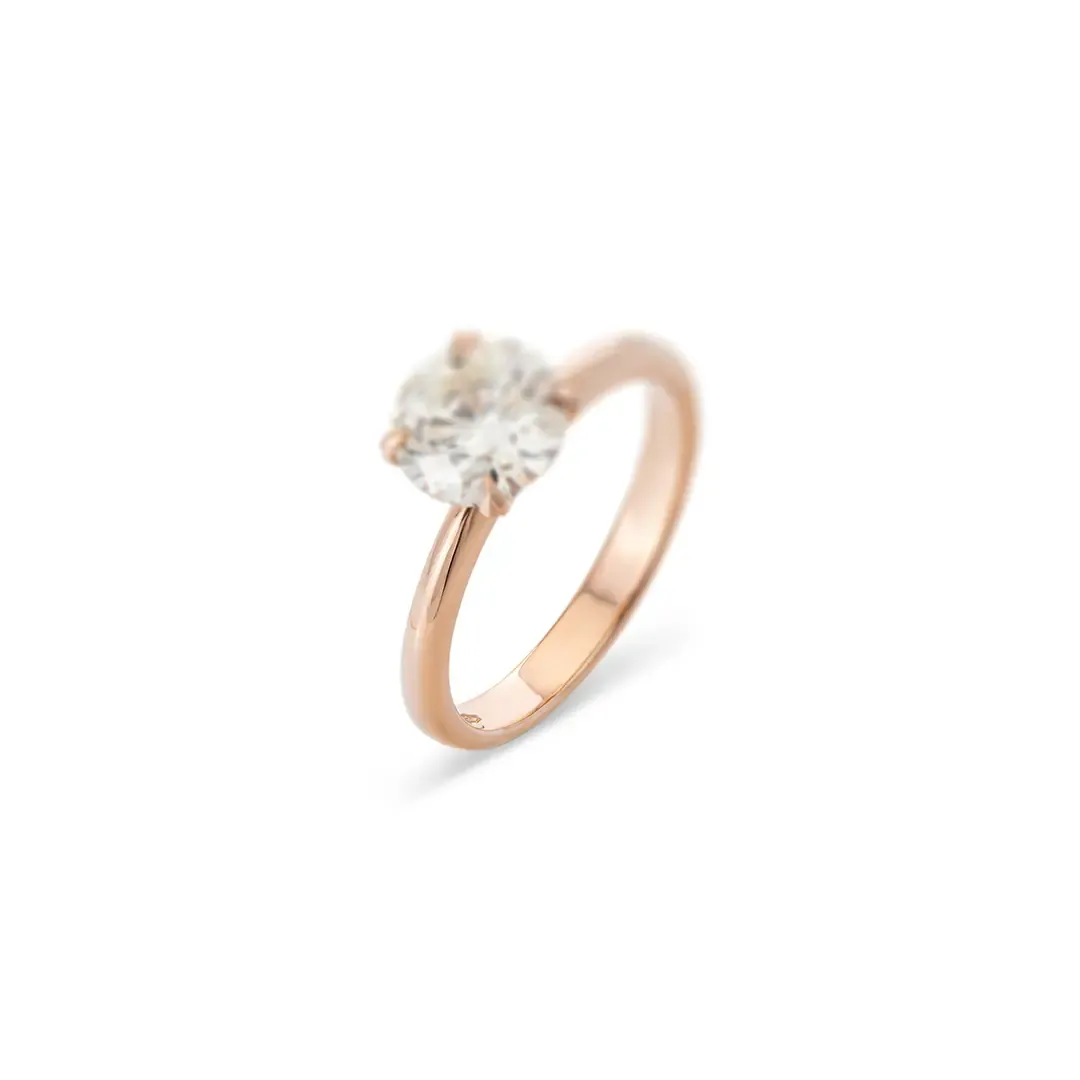
It is a technique used to make product photos look sharper and clearer by combining several images taken at different focus points. When you take a close-up photo - especially of small items like jewelry, watches, or cosmetics - only a small part of the object may appear sharp. To fix this, photographers capture multiple shots, each focusing on a different area.
During editing, these images are merged together so the entire product becomes sharp from front to back. This creates a clean, high-detail photo where every texture, edge, and feature is perfectly visible.
Multiple focus points are blended together so the entire product stays clear, detailed, and crisp.
Ideal for jewelry, watches, cosmetics, and macro product shots where every edge and texture matters.
The final composition looks polished and professional for eCommerce, print, catalogs, and advertising use.
Watch a real edit, start to finish
Claim Photo Editing free TrialBefore & After
We blend shots taken at different focus points into one sharp image. Every part of the product stays in focus, from front to back.
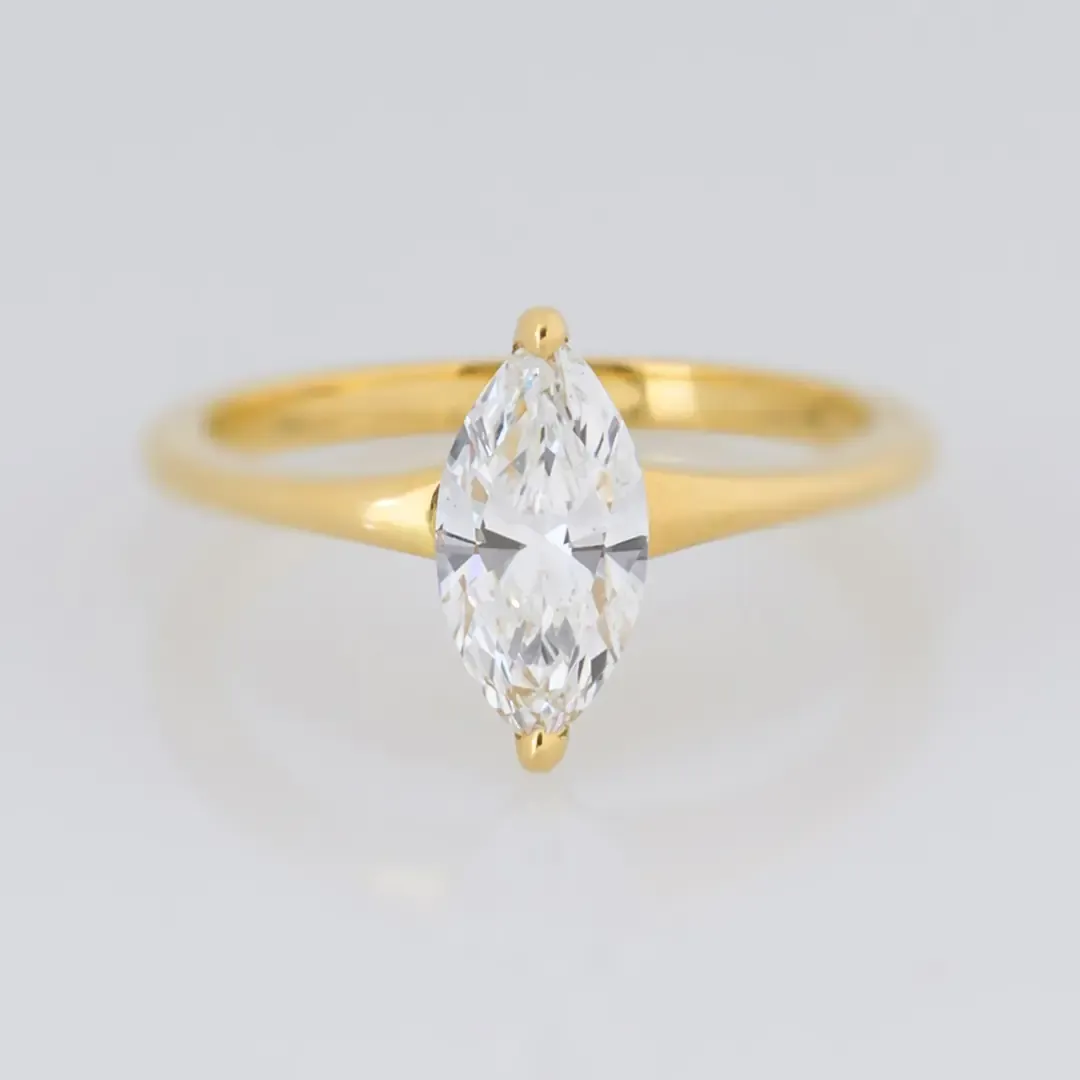
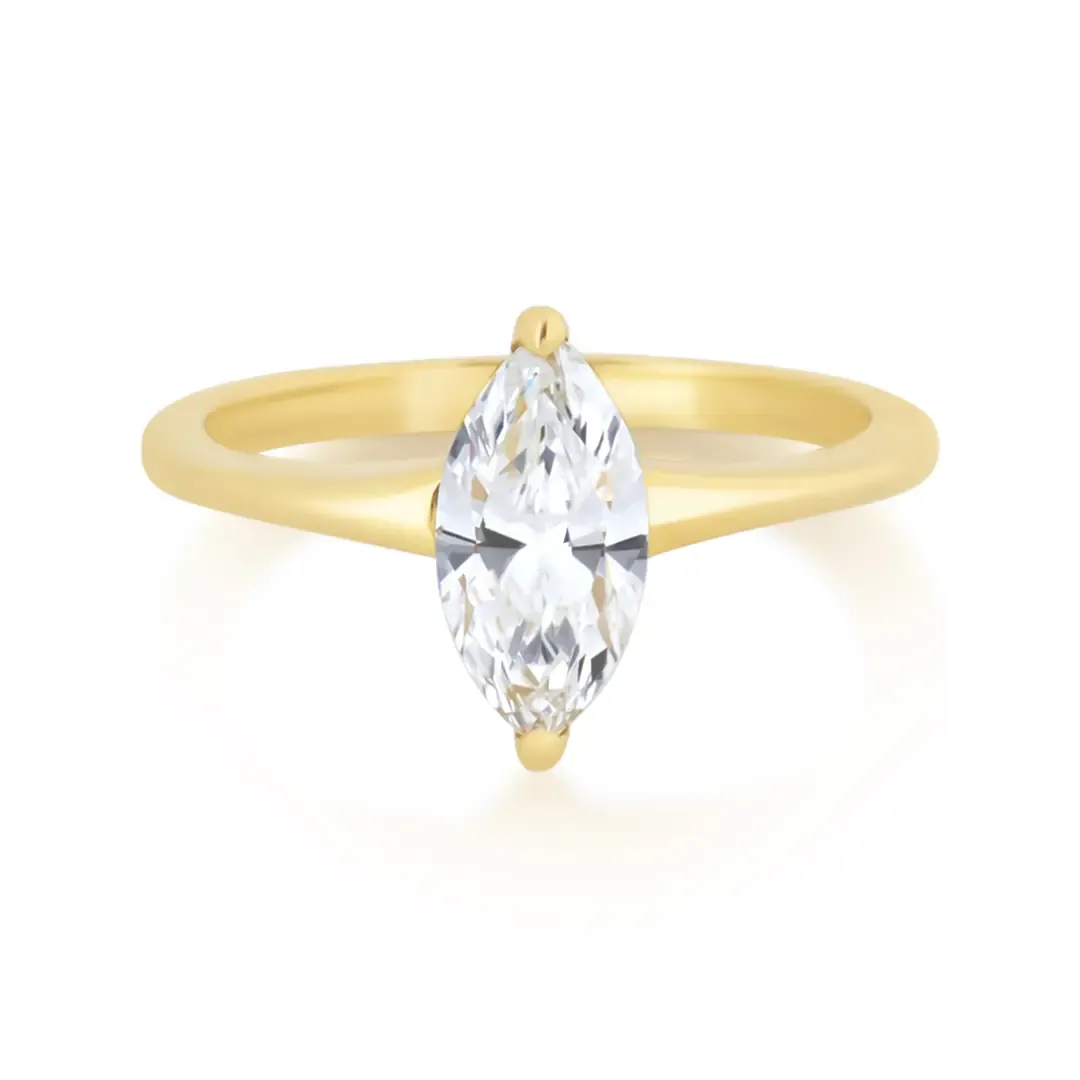
Fine textures, edges and small details get sharper without oversharpening. The result is crisp, high-definition and ideal for product, jewelry and macro photography.
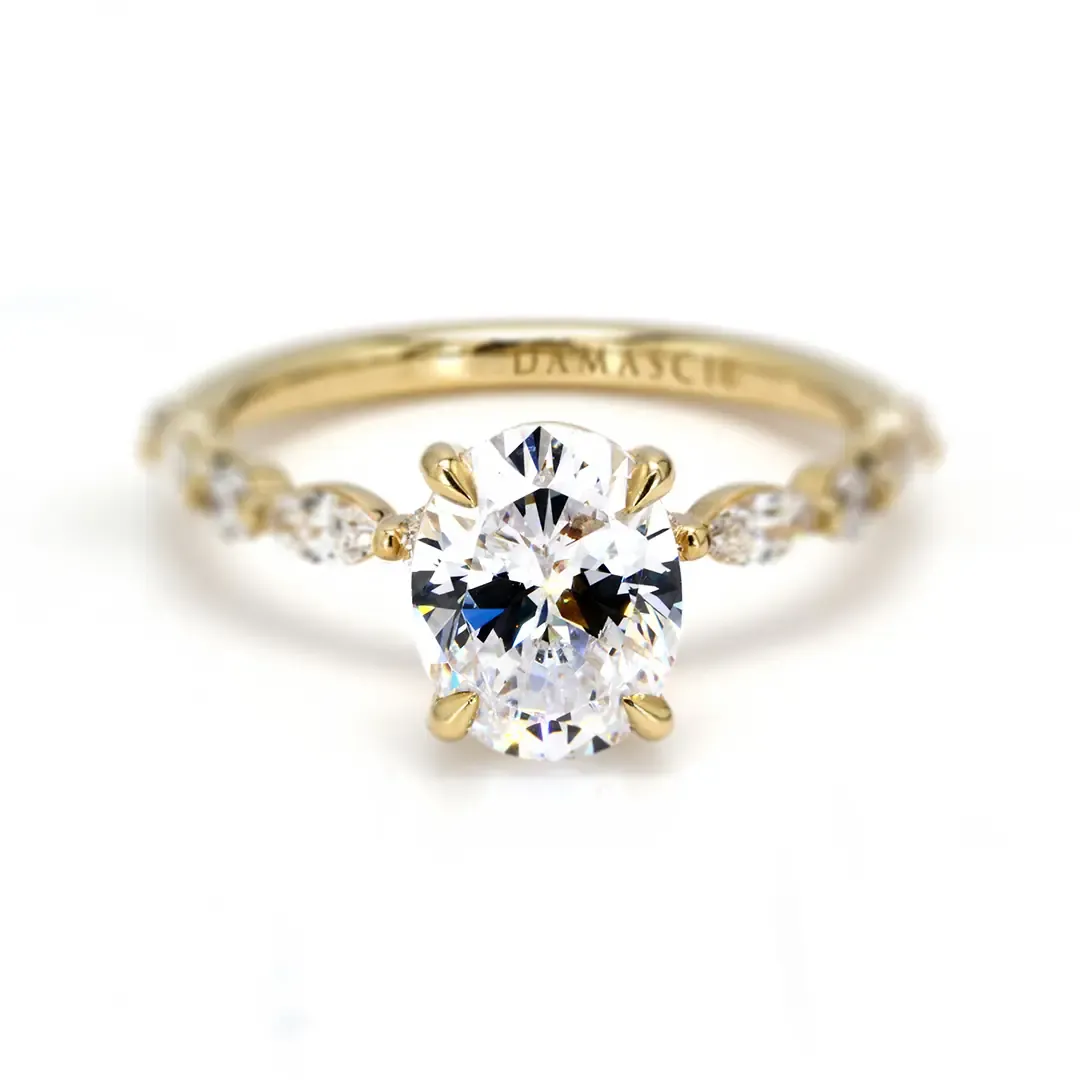
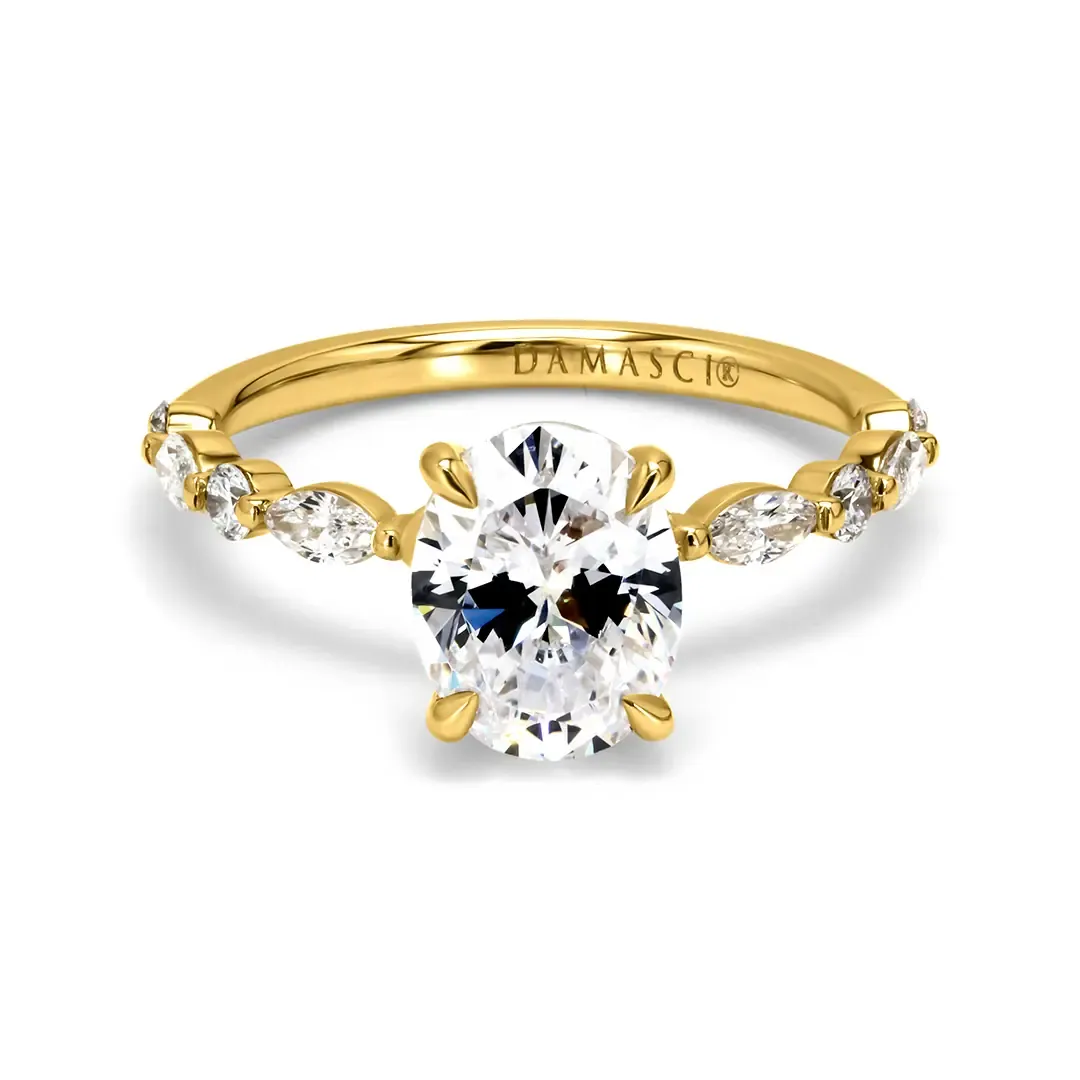
We keep the depth, transitions and lighting realistic. The result never looks artificial.
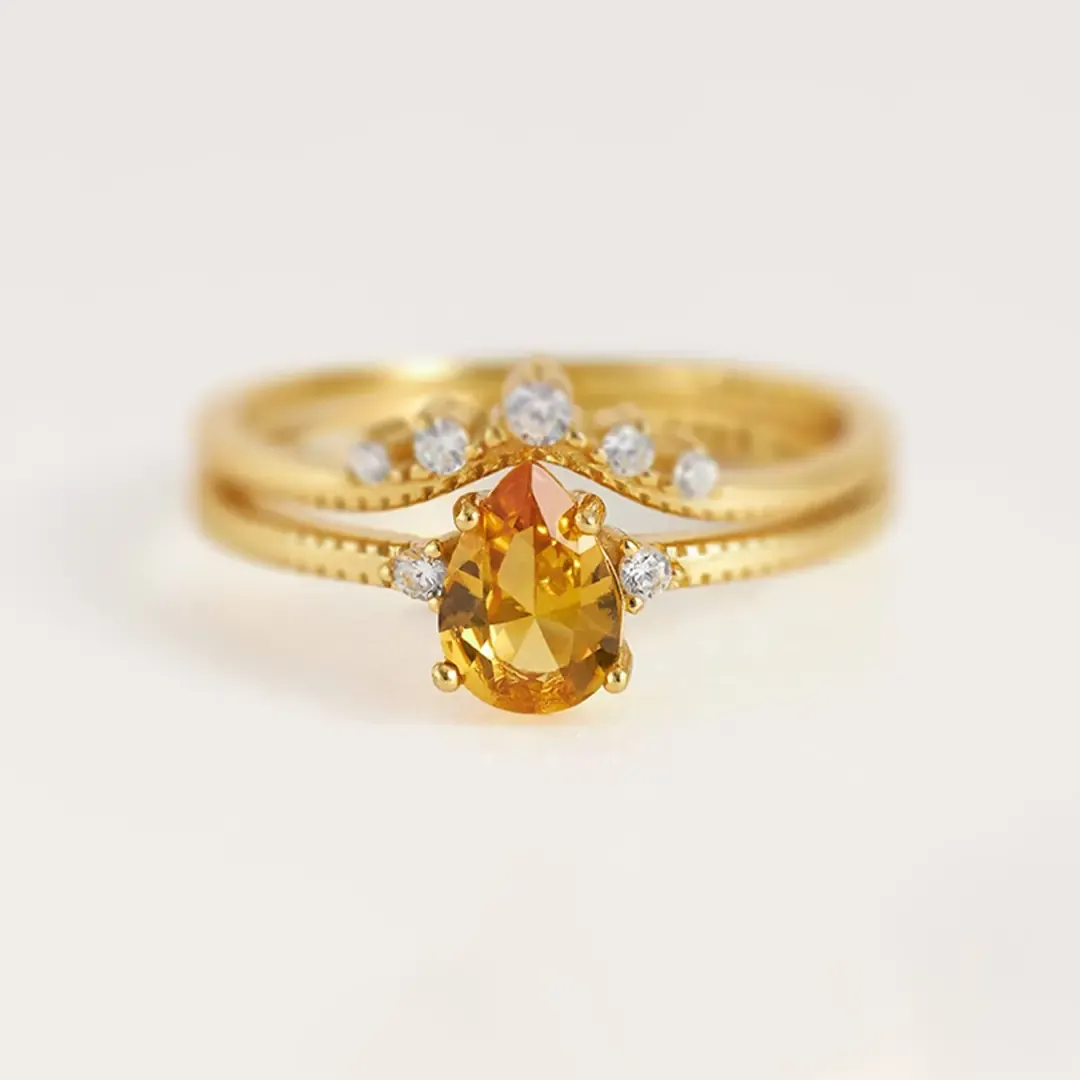
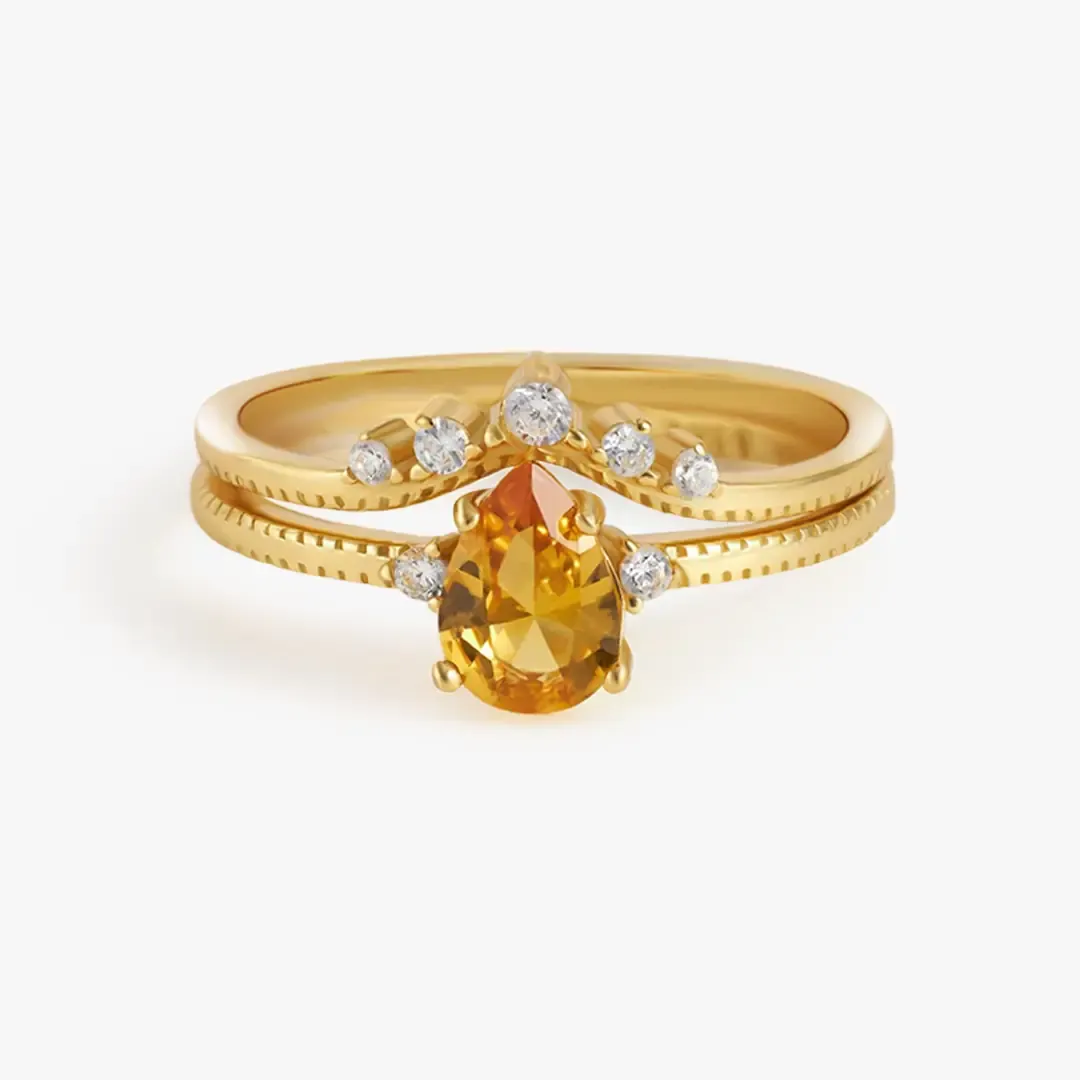
It works best for jewelry, watches and small products. These need clarity, detail and precision to look premium.
Verified Google reviews from photographers, studios, and e-commerce brands worldwide.
Showing our latest reviews
Test Before You Pay
Send your photos and test our quality risk-free. No credit card or payment details needed.
Skip the registration - just upload your photos and we'll handle the rest.
We never share, publish, or use your photos without permission.
Fast turnaround - your edited photos delivered in as little as 12 hours.
Pricing
$1
Per Photo
$5
Per Photo
Custom
Negotiable
Want a customized quote for your needs? Contact us, and we will provide your custom quotation according to your needs.
Why FixAnyPhoto
We combine several focus points so important details stay clear across the whole frame.
We merge multiple captures, angles or exposures with careful masking. The final image looks seamless and natural.
We balance highlights, shadows, color and depth across the image. No area looks mismatched or artificial.
Jewelry, cosmetics, furniture and detailed products get a polished, high-definition look. True shape and material stay intact.
How it works
This service creates ultra-sharp product images by combining photos taken at different focus points into one fully focused result. It works especially well for jewelry, watches, cosmetics and other small products, where a single shot keeps only a thin slice in focus. We align all frames, blend the sharpest areas, clean up stacking issues, and finish with color correction and final refinements for a crisp, professional image.
We load all focus-bracketed images into Photoshop with File -> Scripts -> Load Files into Stack. We select every image of the product at once. Then we enable Attempt to Automatically Align Source Images to correct small camera movement. We also enable Create Smart Object After Loading Layers to keep the workflow flexible. This step aligns the images and prepares them for focus stacking.
Once the images are aligned, we select all layers and choose Edit -> Auto-Blend Layers. In the popup, we choose Stack Images and enable Seamless Tones and Colors for smooth transitions between focus areas. We also check Content-Aware Fill Transparent Areas to fill gaps from blending. Photoshop then combines the sharpest parts of each image into one fully focused result.
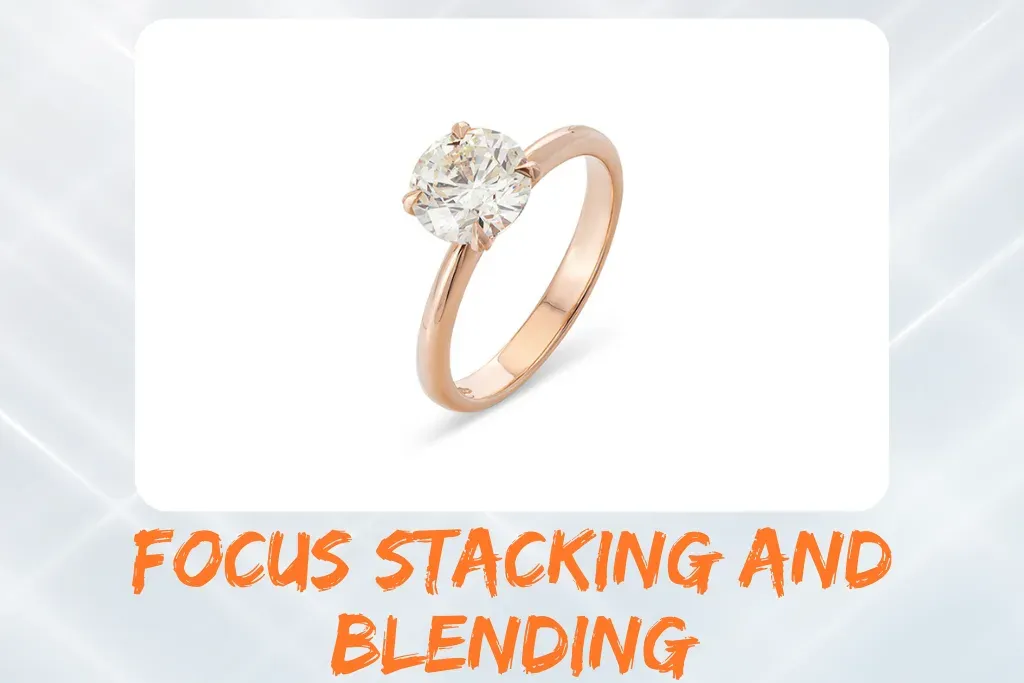
After stacking, we retouch the image to fix blending issues, halos and artifacts. We refine edges, fine details and problem areas by hand. The result looks clean, natural and seamless. This step gives the image its professional, high-end finish.

In the final stage, we adjust brightness, contrast and color for a balanced, realistic look. Subtle enhancements improve depth and clarity while keeping the image natural. A final quality check confirms the image is ready for e-commerce, catalogs or marketing use.
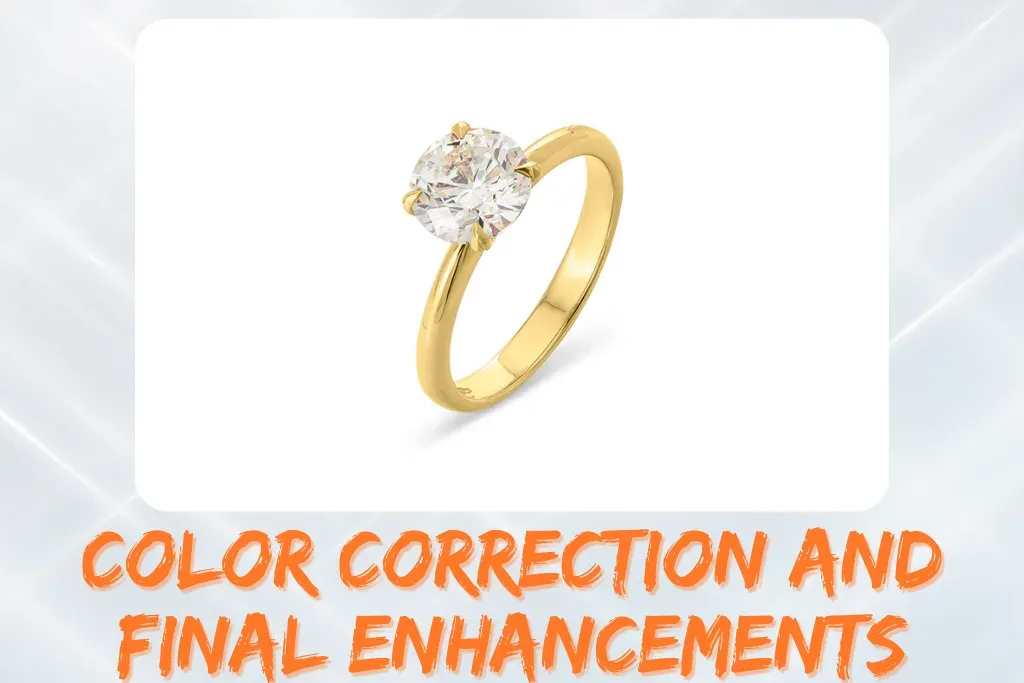
Our product focus stacking service delivers ultra-sharp, high-definition images by combining multiple focus layers. Perfect for jewelry, watches and small products, this focus stacking photo editing keeps every detail clear and professional. With precise focus stacking retouching and macro focus stacking editing, your images are ready for e-commerce, catalogs or marketing materials.
Frequently Asked Questions
Keep exploring
Remove mannequins and perform neck joint editing to create clean, dimensional clothing photos.
View serviceEnhance details, perfect skin, and elevate images for fashion, advertising, and eCommerce.
View serviceIncrease resolution, sharpen details, and enhance photo quality for eCommerce and print.
View serviceFree trial
The best way to find out about our capability is to send us a batch of images as a test. Just fill in the form to claim your free trial.